
Google Play Store
Google Play Store is Google's digital distribution platform for Android, used to find, install and update apps, games and books.
101.1 MB

13.6.0 · RikkaApps · Page updated
Shizuku is a free Android helper by RikkaApps that lets compatible apps use system-level functions without modifying the system itself.
Average 0.0 · ratings: 0
Thank you! Your rating is saved; you can change it. Could not save the rating. Please try again later. Too many ratings from your network today. Please try again tomorrow. The average appears after 5 ratings.
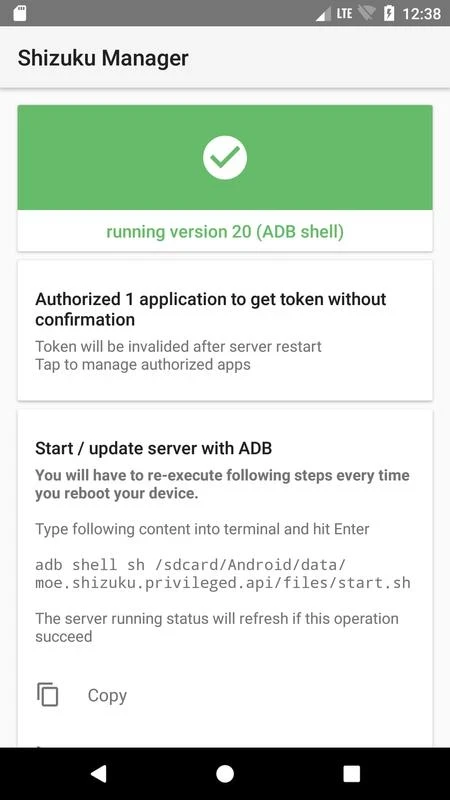
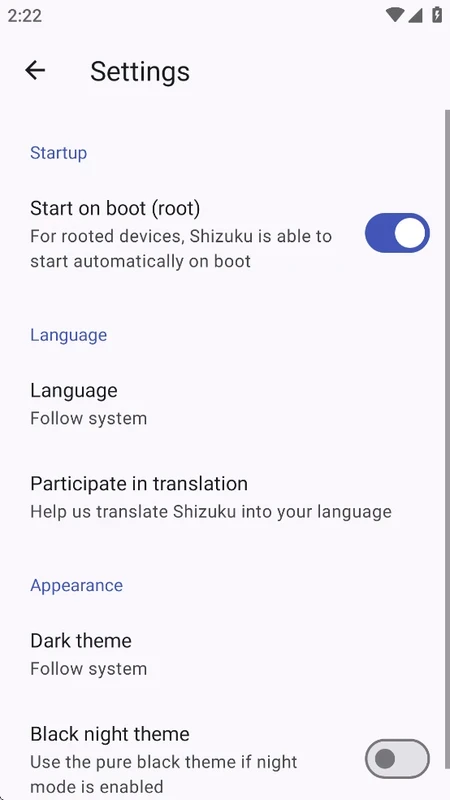
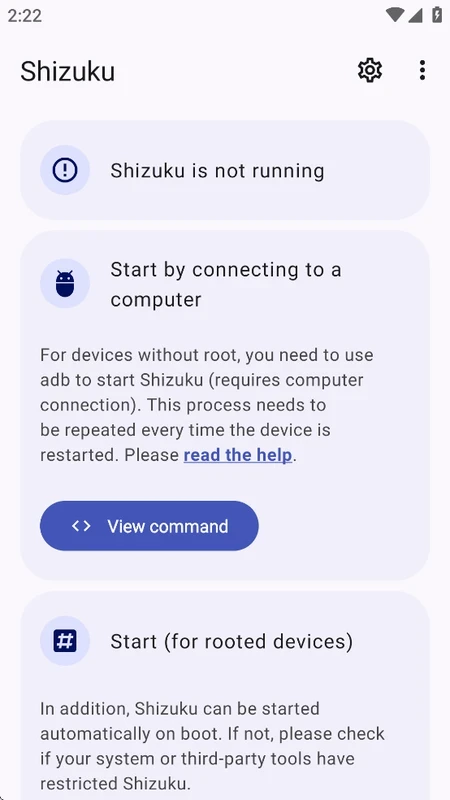
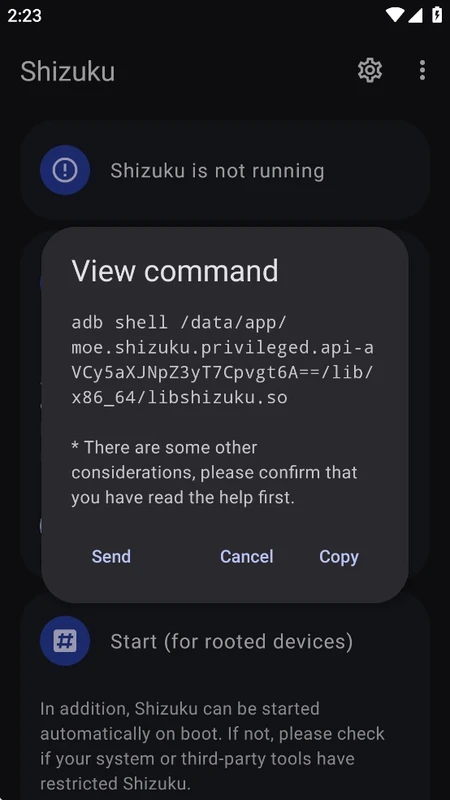
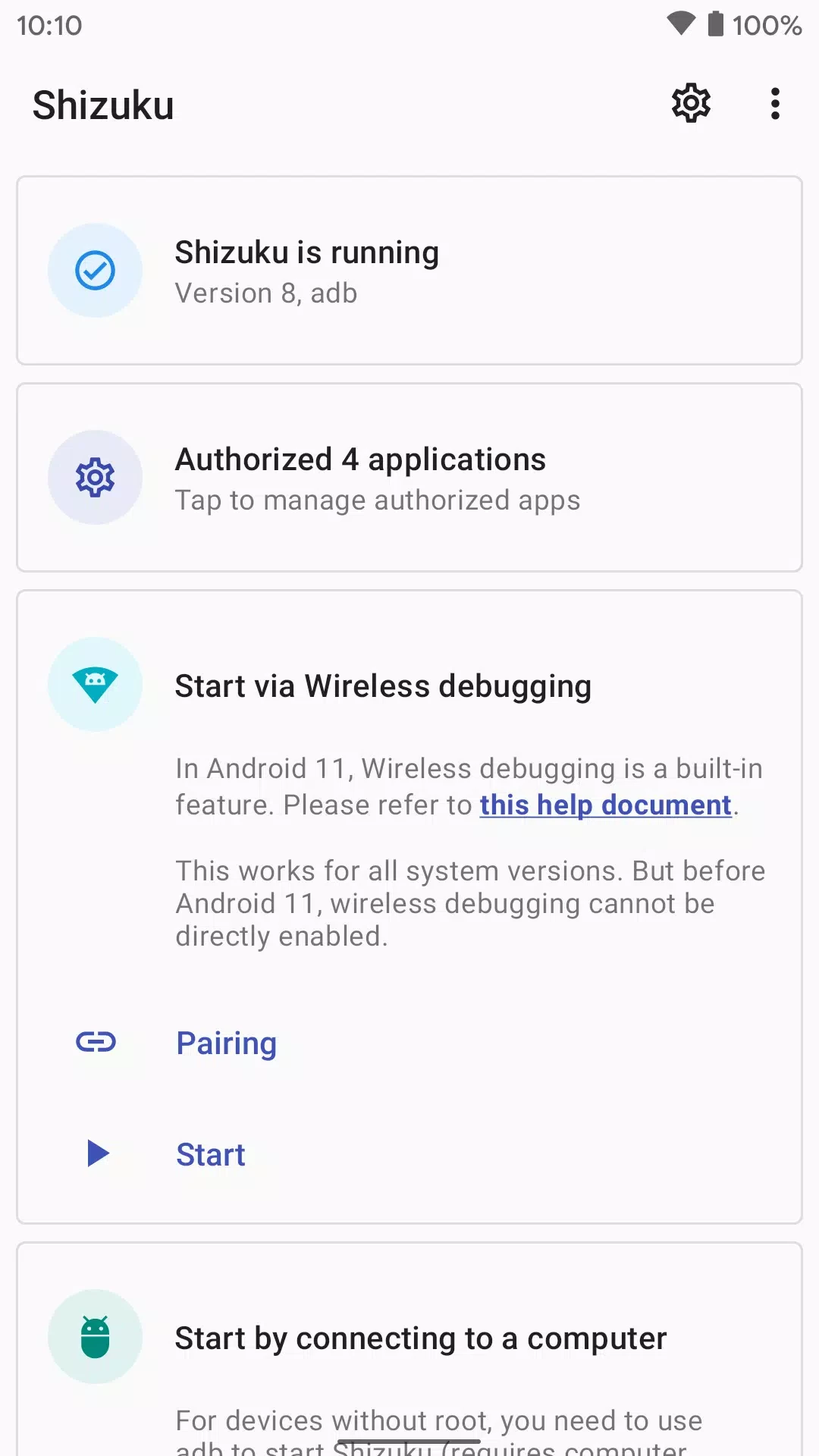
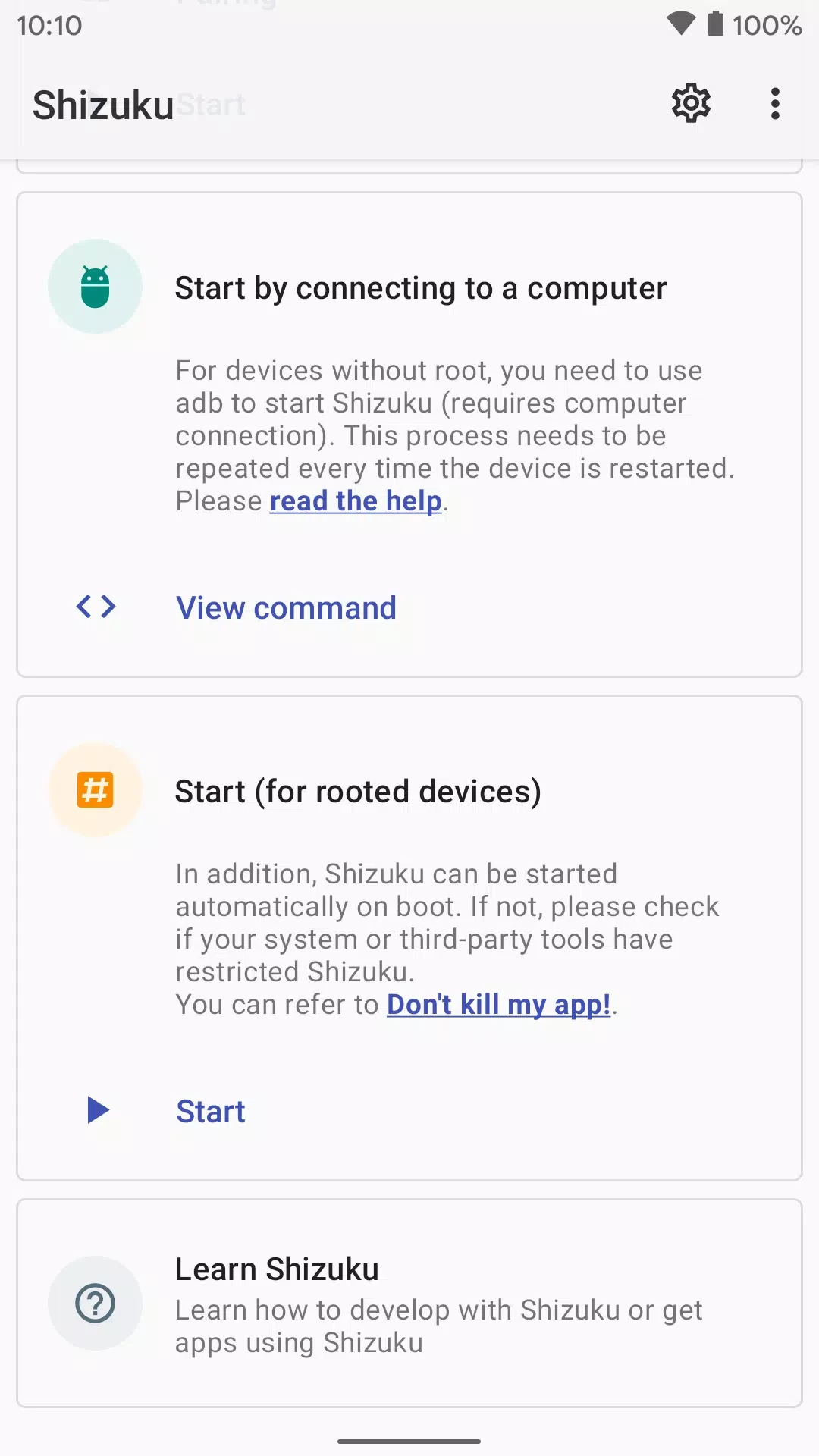
Shizuku 13.6.0 is a small Android helper from RikkaApps, released on May 25, 2025. It gives compatible apps access to system functions that normally need root or a computer with ADB, without changing the system partition. You can download Shizuku for Android free from Google Play.
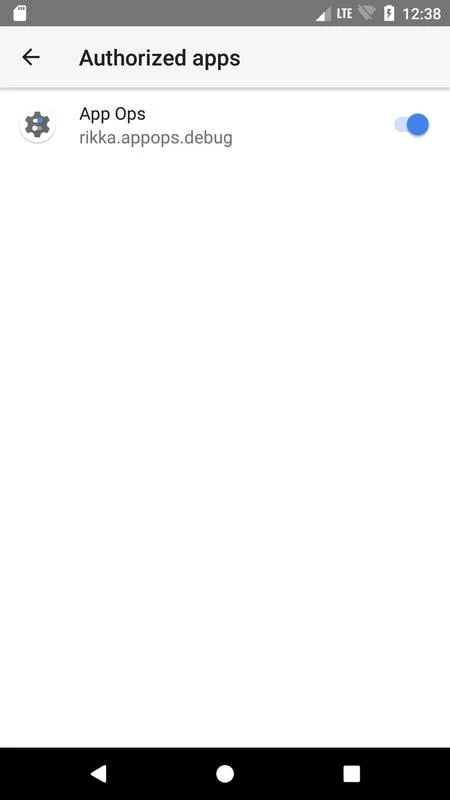
Some tasks on Android are reserved for the system or for commands sent from a computer through ADB: freezing preinstalled apps, changing hidden settings, granting special permissions, installing apps silently. Before Shizuku, apps that wanted to do such things either required root or asked you to connect the phone to a PC every time. Shizuku sits in the middle. You start it once with elevated rights, and it then acts as a gatekeeper: other apps that support Shizuku ask it for access, you approve each of them, and they can call system functions through it. Nothing on the system partition is modified, and after a reboot the service stops until you start it again. Shizuku does nothing useful on its own; it matters only if you use an app that was written to work with it, such as certain file managers, app managers, debloaters or automation tools. Their descriptions usually say clearly that Shizuku is required.
Shizuku hands out powerful rights, so treat each access request seriously. Approve only apps you trust and remove access for apps you stopped using. Developer options and wireless debugging should be switched off when you do not need them. Install Shizuku only from Google Play; a tampered copy of a tool with this level of access would be a serious risk.
There is no direct replacement in our listings. Related tools include Activity Launcher for opening hidden screens of installed apps and Root Checker for testing whether a device already has root access.
Google Play Store is Google's digital distribution platform for Android, used to find, install and update apps, games and books.

APKPure is a third-party app marketplace for Android that installs apps from APK files outside Google Play. This page covers version 3.20.7803.

Aptoide is an open-source alternative app store for Android, running since 2009. This page covers version 9.22.5.3.

QuickShortcutMaker is a small Android tool for creating home screen shortcuts to specific screens of installed apps, including hidden settings.